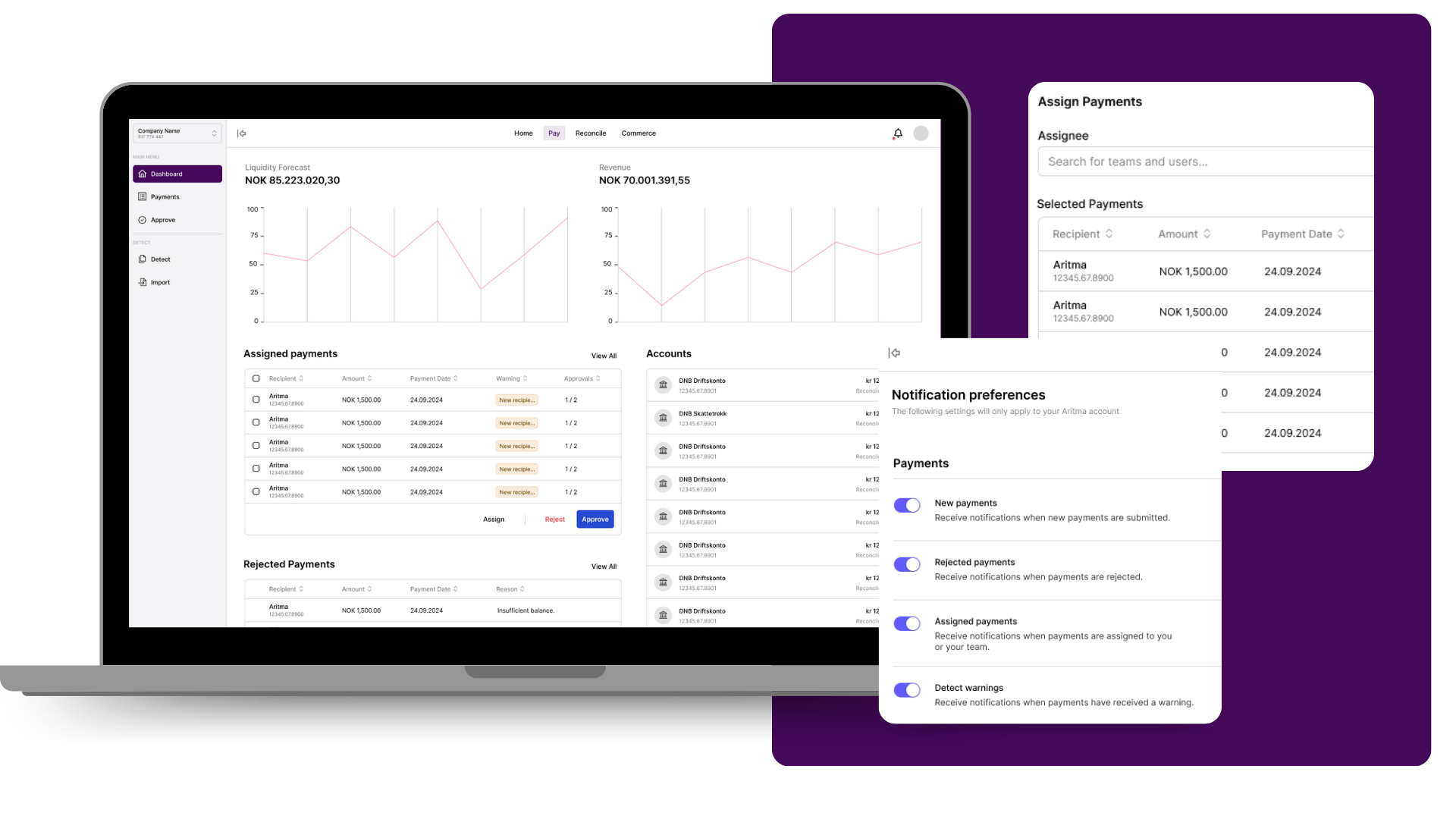
We’ve been advancing the Payments experience in Aritma and it crosses the mark next Thursday: the old 'Batches' view will be fully replaced with the new 'Lines' view - delivering higher efficiency in payments handling, becoming the standard way to work with payments.
This change is part of a broader effort to make Aritma Payments more flexible, easier to understand, and faster to work in day to day. Line view already supports the core workflows customers have used batch view for, while giving better control and a more consistent experience going forward.
From August 27, batch view will no longer be available in Payments. After that, payments will be handled in line view.
Why we’re making this change
Line view gives a better foundation for the way Payments is evolving. It already supports important workflows such as:
- grouping payments to get the overview you need - remembered until next time you return
- filtering & sorting by sender, due date, amount, recipient, and more
- choosing which columns to show and their order to match your preferences
- seeing both count and total amount once multiple lines are selected, before approval
- finding payment details directly in the same workflow
In short, the functionality many users have relied on in batch view is already available in line view, but with more flexibility.
What’s staying
To make the transition smoother, global search pointing to payment batches will remain available for now as a bridge while we continue improving the overall experience.
What we’re improving next
We’re continuing to invest in the Payments experience. Areas we’re working on include:
- improved self-service onboarding and access management
- introducing payment handling rules to support more automatic and flexible approval workflows
- adding more Nordic languages
We’ll share more as this develops, but our direction is clear: a simpler, more capable payments workflow built around line view.
How to prepare
If your team still uses 'Batches' view, we recommend starting to use 'Lines' view already today. A good place to start is using filters and grouping to recreate the overview you’re used to. Preferences set will be remembered once you come back to Aritma app next time.
We’ve also prepared a short interactive demo that shows the line view and some of its key features.
If you have questions, feel free to reach out to us at support@aritma.com.
With warm greetings,
Aritma Product team.
NEW, NOW LIVE
------------------------
Common
Payments
Reconciliation
NEW, NOW LIVE
Payments - new (Lines) view
Reconciliation
Common
✅ Payments
✅ Reconciliation
🔭 New module: Reconciliation
🔭 New service: Autogiro (DirectDebit)
✅ Self-service
✅ Payments
✅ Navigation bar
✅ Reconciliation
Reconciliation
🔭 New module: Reconciliation
✔ New service: Autogiro (DirectDebit)
✅ Business NXT: Autogiro
✅ Reconciliation
✅ Bank accounts --> show agreement number
✅ Payments: audit log improvements
🔭 New module: Reconciliation
✔ New service: Autogiro (DirectDebit
🔭 New module: Reconciliation
🔭 New service: Autogiro (DirectDebit)
✅ Smart bookkeeping - automatically book payments
✅ Reconciliation
✅ Self-onboarding
✅ Payments
🔭 New module: Reconciliation
🔭 New service: Autogiro (DirectDebit)
✅ Reconciliation: Create new group (improvements)
✅ New auto-reconcile rule engine
✅ Support for deviating financial periods
🔭 Finance Manager: Reconciliaton (new module)
✅ Reconciliation > Create new group
✅ Global Search - show payment due date
✅ Payments > filtering by users
🔭 Add new module: Reconcilliation (known also as "Control")
✅ Clean and smooth sidebar
✅ Internal environment (steps towards sleek demo accounts)
🔭 Add new module: Reconcilliation (known also as "Control")
✅ Make user aware of any payments failed to be handled
✅ Show bank accounts connected
✅ Real-time balance per account



.svg)


